Your iPhone feels sluggish. Apps take forever to open. The camera freezes when you need it most. Before you blame a software bug or plan an expensive upgrade, you might be experiencing battery throttling—a feature Apple built into iOS that intentionally slows down older iPhones to prevent unexpected shutdowns.
Apple introduced this performance management feature after facing massive backlash and lawsuits in 2017. The company now provides transparency tools that let you check your battery health and see if throttling is active. Understanding these tools empowers you to make informed decisions about your device.
What Is iPhone Battery Throttling?
Battery throttling is Apple’s term for reducing your iPhone’s peak performance when the battery can no longer deliver adequate power. Lithium-ion batteries degrade over time. They lose capacity and ability to provide instant power bursts that processors demand during intensive tasks.
When your battery degrades significantly, your iPhone might shut down unexpectedly during moments of high demand. Think of it like an old car battery struggling to start the engine on a cold morning. To prevent these sudden shutdowns, iOS limits the maximum processing speed your phone can reach.
This performance management kicks in automatically on certain iPhone models when the battery health drops below specific thresholds. You will notice slower app launches, lower frame rates when scrolling, dimmer screen brightness, and longer load times for demanding applications.
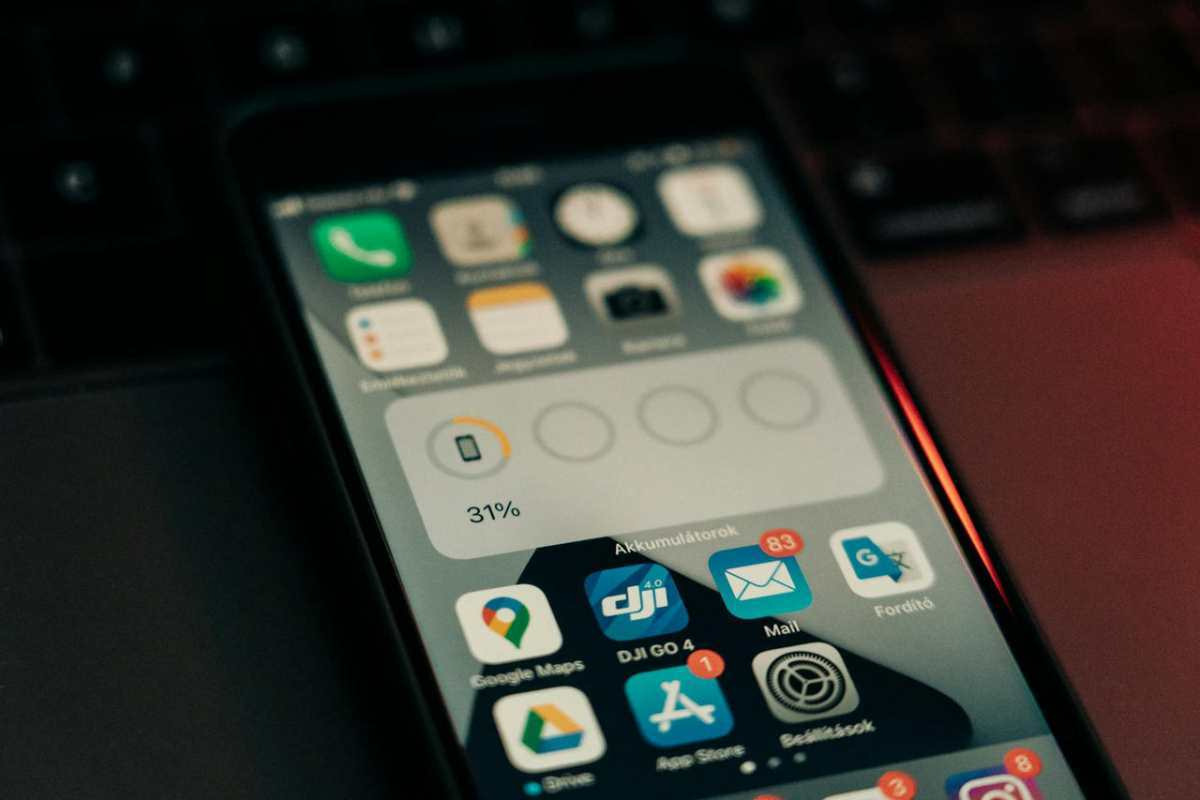
How to Check Your iPhone Battery Health
Apple provides a built-in tool that reveals your battery condition and whether throttling is active. The process takes less than a minute.
Step-by-Step Instructions
Open the Settings app on your iPhone. Scroll down and tap “Battery.” Select “Battery Health & Charging” from the menu options.
You will see several important pieces of information on this screen. The “Maximum Capacity” percentage shows how much charge your battery can hold compared to when it was new. A brand-new battery displays 100%. As batteries age, this number decreases.
Below the capacity percentage, look for the “Peak Performance Capability” section. This section tells you whether your iPhone is currently throttling performance. If your battery is healthy, you will see a message stating your battery is supporting normal peak performance.
If throttling is active, you will see a different message. It might say something like “This iPhone has experienced an unexpected shutdown because the battery was unable to deliver the necessary peak power.” The message also explains that performance management has been applied to prevent future shutdowns.
What the Numbers Mean
Battery health percentages provide crucial context. According to Apple’s official support documentation, a battery is considered degraded when it falls below 80% of its original capacity. At this point, throttling may become necessary to prevent shutdowns.
Between 95% and 100% capacity, your battery is essentially like new. Between 85% and 94%, your battery has experienced normal wear but should still perform well. Between 80% and 84%, you are approaching the threshold where Apple recommends battery replacement. Below 80%, your battery is significantly degraded and throttling is highly likely during demanding tasks.
Which iPhone Models Experience Throttling?
Apple’s performance management feature affects specific iPhone models. The feature was first introduced for iPhone 6, iPhone 6 Plus, iPhone 6s, iPhone 6s Plus, and iPhone SE (1st generation) in iOS 10.2.1.
Apple later expanded the feature to iPhone 7 and iPhone 7 Plus in iOS 11.2. The iPhone 8, iPhone 8 Plus, and iPhone X received it in iOS 12.1. All subsequent iPhone models include this performance management system from their initial release.
Newer iPhone models have more advanced power management systems and improved battery chemistry. This means they experience less noticeable throttling even when battery health declines. However, the feature still activates when necessary to prevent shutdowns.
What to Do If Your iPhone Is Being Throttled
Discovering that your iPhone is throttled does not mean you must immediately spend money. You have several options depending on your situation and budget.
Option 1: Disable Performance Management (Temporary Fix)
If throttling is active, iOS gives you the option to disable it. In the Battery Health screen where you see the throttling message, you will find a “Disable” option underneath the explanation text.
Tapping this button turns off performance management and restores your iPhone to full speed. Your device will run faster immediately. However, this comes with significant risk. Without throttling protection, your iPhone may shut down unexpectedly during processor-intensive tasks or in cold weather.
This option works as a temporary solution when you need maximum performance for a specific task and can tolerate the risk of sudden shutdowns. Most users find the random shutdowns more disruptive than the reduced performance.
Option 2: Replace Your Battery
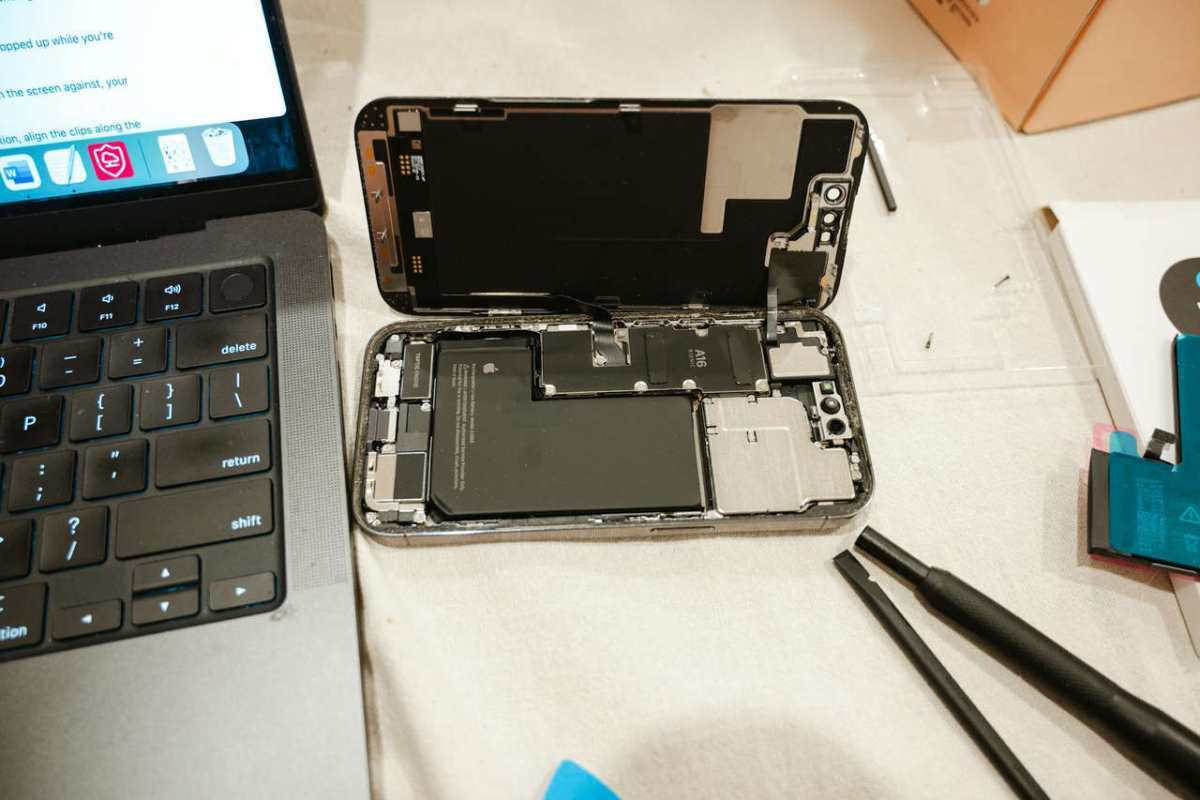
Battery replacement is the permanent solution that completely eliminates throttling. A new battery restores your iPhone to its original performance capabilities.
Apple offers battery replacement services for all iPhone models. You can schedule an appointment at an Apple Store or authorized service provider through the Apple Support app. According to Apple’s repair pricing, out-of-warranty battery service costs between $69 and $99 for most iPhone models as of 2025.
If you have AppleCare+ coverage, battery replacement is free when your battery health drops below 80%. Third-party repair shops often charge less than Apple, typically between $40 and $70, but may use lower-quality batteries or void your warranty if you have remaining AppleCare coverage.
After installing a new battery, your Maximum Capacity will reset to 100% and all throttling will stop. The Battery Health screen will display the normal peak performance message.
Option 3: Optimize Your iPhone’s Performance
While optimization cannot eliminate throttling entirely, several strategies reduce how often you notice the slowdowns.
Keep your iPhone updated to the latest iOS version. Apple continuously improves power management algorithms to minimize performance impact. Close background apps you are not actively using. These apps consume processor resources and battery power even when not visible.
Reduce visual effects by enabling “Reduce Motion” in Settings > Accessibility > Motion. This setting decreases animation complexity, requiring less processing power. Similarly, disable Background App Refresh for apps that do not need constant updates. Navigate to Settings > General > Background App Refresh to manage these settings.
Lower your screen brightness manually or enable Auto-Brightness. The display is one of the biggest power consumers on any smartphone. Avoid exposing your iPhone to extreme temperatures. According to battery research from major institutions, lithium-ion batteries perform best between 32°F and 95°F (0°C and 35°C).
When Should You Replace Your iPhone Instead?
Battery replacement makes sense for relatively recent iPhones with good processing power. However, older models may not justify the repair cost.
Consider your iPhone’s age. If your device is more than four years old, the processor itself may feel slow compared to modern apps and iOS features. A new battery will eliminate throttling but will not address fundamental hardware limitations.
Evaluate repair costs against upgrade options. If battery replacement costs $70 and your iPhone is worth $150 used, you are spending nearly half the device value on repairs. Many carriers offer trade-in deals that might make upgrading more economical.
Think about your feature needs. Older iPhones lack modern camera capabilities, 5G connectivity, longer battery life from efficient processors, and support for the latest iOS features. If these matter to you, upgrading provides better long-term value than repairing an aging device.
Preventing Future Battery Degradation
Once you resolve your current throttling issue, proper charging habits extend your new or replacement battery’s lifespan.
Avoid letting your battery drain to zero percent regularly. Lithium-ion batteries last longer when kept between 20% and 80% charge. Complete discharge cycles stress the battery chemistry unnecessarily.
Remove thick cases during charging, especially wireless charging. Excess heat accelerates battery degradation. Your iPhone should feel warm but not hot during normal charging.
Use official or certified charging accessories. Cheap third-party chargers may deliver inconsistent power that damages battery health over time. Apple-certified MFi (Made for iPhone) accessories meet safety and quality standards.
Enable Optimized Battery Charging in Settings > Battery > Battery Health & Charging. This feature uses machine learning to understand your charging routine and delays charging past 80% until you need the phone. This reduces the time your battery spends at full charge, which causes stress and degradation.
Understanding Your Rights as a Consumer
The battery throttling controversy led to legal settlements and policy changes. Apple paid $500 million in 2020 to settle a class-action lawsuit over undisclosed performance throttling.
If you purchased an affected iPhone model between certain dates, you may have been eligible for compensation from that settlement. While that particular claim period has closed, the incident established important precedents about consumer rights and corporate transparency.
Apple now provides clear information about battery health and performance management. The company cannot secretly slow your device without notification. If you experience throttling, you have the right to disable it or request battery service.
Many countries have consumer protection laws requiring manufacturers to support devices for reasonable periods. If your relatively new iPhone experiences significant battery degradation, document the issue and contact Apple Support. You may have warranty coverage or qualify for exceptions to standard service fees.
Taking Action Today
Check your battery health right now using the steps outlined earlier. This takes seconds and provides immediate clarity about whether throttling affects your iPhone.
If your battery health is below 80% and you see performance management warnings, decide which option fits your situation. Battery replacement makes sense for newer iPhones you plan to keep. Disabling throttling works temporarily for critical tasks. Upgrading might be smarter for older devices worth less than repair costs.
Whatever you choose, you now have the knowledge to make an informed decision. Your iPhone performance is in your hands, not hidden behind corporate policies or mysterious slowdowns.
