
You open a new app to send a quick email or edit a photo. Twenty minutes later, you’re still hunting through nested menus, ignoring pop-ups, and wondering why something so simple has become so complicated.
You’re not alone. Modern software has become increasingly difficult to use, and it’s not your fault.
The Rise of Complexity Creep
Complexity creep happens when software gradually adds features, settings, and options until the original simple tool becomes unrecognizable. What starts as a streamlined product slowly transforms into a maze of functions that most users never need.
Microsoft Word is a classic example. In the 1990s, it had one toolbar and a few menus. Today, it contains thousands of features spread across ribbons, sidebars, and hidden panels. Most people use fewer than 10% of these functions, yet everyone must navigate around them.
This complexity doesn’t happen by accident. Development teams face constant pressure to add features. Product managers want to differentiate from competitors. Marketing departments need new selling points. Stakeholders request specialized tools for their workflows.
Each individual addition seems reasonable. Together, they create software that feels overwhelming.
Feature Bloat: When More Becomes Less
Feature bloat occurs when software includes too many capabilities, making core functions harder to find and use. It’s the opposite of good design.
Consider these common symptoms:
- Multiple ways to accomplish the same task, with no clear “best” method
- Settings menus that require scrolling through dozens of options
- Toolbars packed with icons you don’t recognize
- Features buried three or four levels deep in menus
- Constant notifications prompting you to try new capabilities
Adobe Photoshop exemplifies this problem. Professional designers use perhaps 20% of its tools regularly. Beginners trying to crop a photo face hundreds of buttons, panels, and adjustment layers they’ll never touch.
The cost is real. A study by user experience researchers found that feature-heavy software reduces productivity by an average of 15-30 minutes per day. Users spend this time navigating interfaces rather than completing actual work.
UI/UX Design Patterns That Make Things Worse
Several modern design trends have made software harder to use, despite good intentions.
The Hamburger Menu Problem
Mobile apps popularized the hamburger menu (three horizontal lines). It hides navigation options to create clean screens. But this approach forces users to guess where features live. You can’t see your options without clicking first.
Research shows hamburger menus reduce feature discovery by up to 50%. Users simply don’t find tools they need because those tools are hidden.
Infinite Scrolling and Hidden Controls
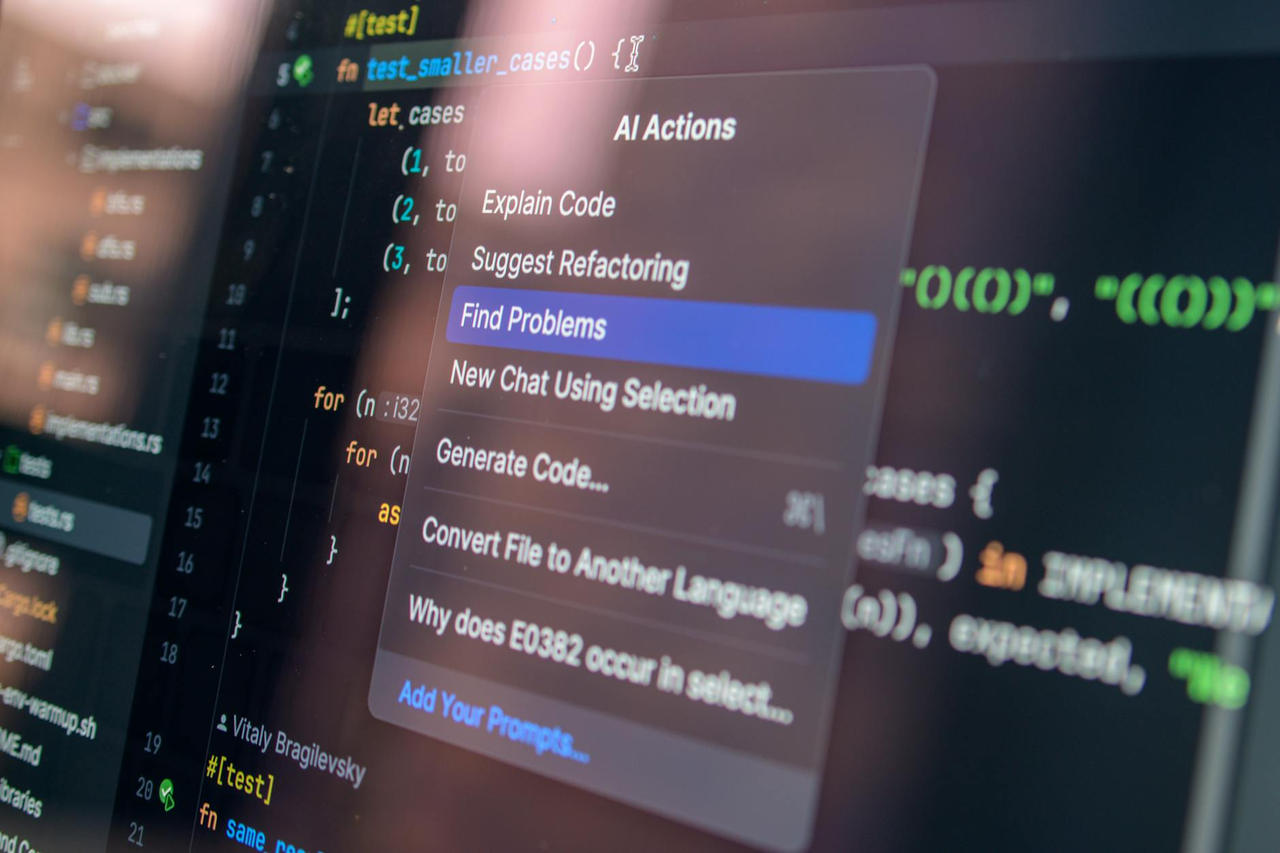
Many apps hide controls until you hover or click. Buttons fade in and out. Menus appear and disappear. This “clean” aesthetic comes at a cost—users can’t tell what actions are available.
Inconsistent Design Language
Each software update brings redesigned interfaces. Buttons move. Features get renamed. Familiar workflows change without warning.
Users must constantly relearn software they thought they knew. This churn destroys the muscle memory that makes tools feel natural to use.
The Business Reasons Software Gets Complicated
Companies make software more complex for specific business reasons, not because they want to frustrate users.
Subscription models require constant updates. Software-as-a-service companies must justify monthly fees. They add features to demonstrate ongoing value. Simple, stable software doesn’t convince customers to keep paying.
Enterprise clients demand customization. Large organizations pay big money for software. They request specialized features for their industries. These additions then ship to all users, whether they need them or not.
Data collection shapes design. Free apps make money through advertising and data. Their interfaces prioritize engagement metrics over usability. More screens, more clicks, more opportunities to collect information and show ads.
Competitive pressure drives feature matching. When one company adds a feature, competitors feel compelled to add it too. Nobody wants to appear less capable on comparison charts, even if users don’t want these features.
Why “Just Read the Manual” Doesn’t Work
Some people argue that complex software isn’t the problem—users should simply learn their tools better. This misses the point entirely.
Good design shouldn’t require extensive training. The best tools work intuitively. You understand them through use, not through reading documentation.
When software needs a 200-page manual for basic tasks, the software has failed. The cognitive load should be in your work, not in operating the tool that does the work.
Finding Simple Software Alternatives
You don’t have to accept bloated software. Many alternatives prioritize simplicity and focused functionality.
Email and Communication
Instead of Outlook or Gmail’s cluttered interfaces, try:
- Hey.com—email designed around workflows, not features
- Fastmail—clean interface focused on core email functions
- Spike—conversation-focused email without the clutter
Photo Editing
Instead of Photoshop’s overwhelming toolbar, consider:
- Photopea—web-based editor with only essential tools
- Pixelmator—powerful but approachable Mac image editor
- GIMP—open-source alternative with customizable interface
Writing and Notes
Instead of Word or Evernote’s feature overload, try:
- iA Writer—distraction-free writing with minimal options
- Obsidian—plain text notes with powerful linking
- Bear—elegant notes without unnecessary complexity
Project Management
Instead of Jira or Monday.com’s overwhelming dashboards, consider:
- Basecamp—opinionated simplicity for team coordination
- Todoist—straightforward task management
- Trello—visual boards without excessive features
How to Evaluate Software for Simplicity
Before committing to new software, ask these questions:
Can you complete basic tasks without searching? Open the app and try to accomplish something simple. If you need to hunt through menus or search for help, the interface may be too complex.
Does it do one thing well? Software that tries to be everything often excels at nothing. Focused tools typically offer better experiences.
Can you hide or remove unused features? Good software lets you customize the interface. You should be able to turn off features you don’t use.
Has the interface remained stable? Check the update history. Apps that constantly redesign their interface will continue disrupting your workflow.
Do other users mention simplicity? Read reviews. If people consistently praise an app’s ease of use, that’s a strong signal.
Strategies for Managing Complex Software You Can’t Avoid
Sometimes you must use complicated software for work or collaboration. These approaches help:
Learn keyboard shortcuts. Shortcuts bypass cluttered interfaces. Master 5-10 commands for tasks you do daily. This single step can dramatically improve your experience.
Customize the interface. Many apps let you hide toolbars, rearrange panels, or create simplified modes. Spend 15 minutes configuring the software to show only what you need.
Use templates and presets. Create starting points for common tasks. Templates eliminate the need to navigate through options each time you start something new.
Disable notifications. Turn off prompts about new features, tips, and suggestions. These interruptions make software feel more overwhelming than it actually is.
Focus on your core workflow. Identify the 5-10 features you actually use. Ignore everything else. You don’t need to learn software comprehensively—just the parts relevant to your work.
The Future of Software Design
Some positive trends suggest software may become simpler again.
Independent developers are building focused tools that solve specific problems. These apps often charge one-time fees rather than subscriptions, removing the pressure to constantly add features.
Progressive web apps run in browsers without installation. They tend toward simplicity because they must work across many devices and contexts.
AI assistants may eventually handle complexity behind the scenes. Instead of navigating menus, you’ll describe what you want. The software will handle the details.
Open-source software continues to offer alternatives to bloated commercial products. Communities often prioritize usability over feature lists.
Taking Action
Start small. Pick one piece of frustrating software in your daily routine. Research simpler alternatives. Test one for a week.
You’ll likely find that focused tools not only feel better to use—they often help you work faster. Simplicity isn’t about having fewer capabilities. It’s about removing everything that stands between you and your goal.
The software you use should fade into the background. It should feel like a natural extension of your thinking, not an obstacle course to navigate. When tools fight you rather than help you, it’s time to find better tools.
Complexity isn’t inevitable. It’s a choice—one that companies make, and one you can refuse to accept.
