
It is hard to start a business, but it is harder to manage a growing one. You receive emails in bulk,k and your inbox is also flooded with spam emails. It takes effort every day to read the long emails and separate the good from the bad. AI for email management tools to sort, summarize, and reply can make a big change here. The good news is that there are now dedicated AI tools available to take over the full control of your emails.
These smart AI email tools not only detect and separate the spam emails, but they also work oppositely. If any good emails have been diverted to your spam folder, this tool checks, reads, analyzes, and takes those good emails out of the spam folder. In addition to this, there are other very important features. These AI email management tools can sort emails based on priorities, give you a summary of a long email, and even help you write a befitting reply that actually converts into leads.
Why AI Email Management Is Three Jobs, Not One
Vendors love the word “assistant.” It hides the fact that the three jobs behave very differently. Sorting is mostly solved. Pulling out the key points works most of the time, with some slip. Replying is where things go quiet and wrong.
The cost of a mistake also changes at each stage. A bad sort hides one email for a day. Missing a deadline is what a bad summary costs you. Worse still, a bad reply goes out in your name. That is why a staged trust framework for email works so well. More freedom at the easy stages. Less at the risky ones.
Stage One: Sorting (The Stage AI Has Mostly Solved)
Sorting is the easy win. Good tools watch what you open, what you ignore, and what you flag. Then they put the new mail in the right place. Newsletters go one way. Real work goes another way, and receipts get their own pile. You save about an hour a week without thinking about it, and using AI email cleaner tools can further improve accuracy by automatically identifying junk, organizing inbox categories, and keeping only important messages visible.
A few tools do this well. SaneBox and Clean Email run quietly in the background. Leave Me Alone handles unsubscribes and digests. Gmail and Outlook ship their own sorting, and both got much smarter in 2025.
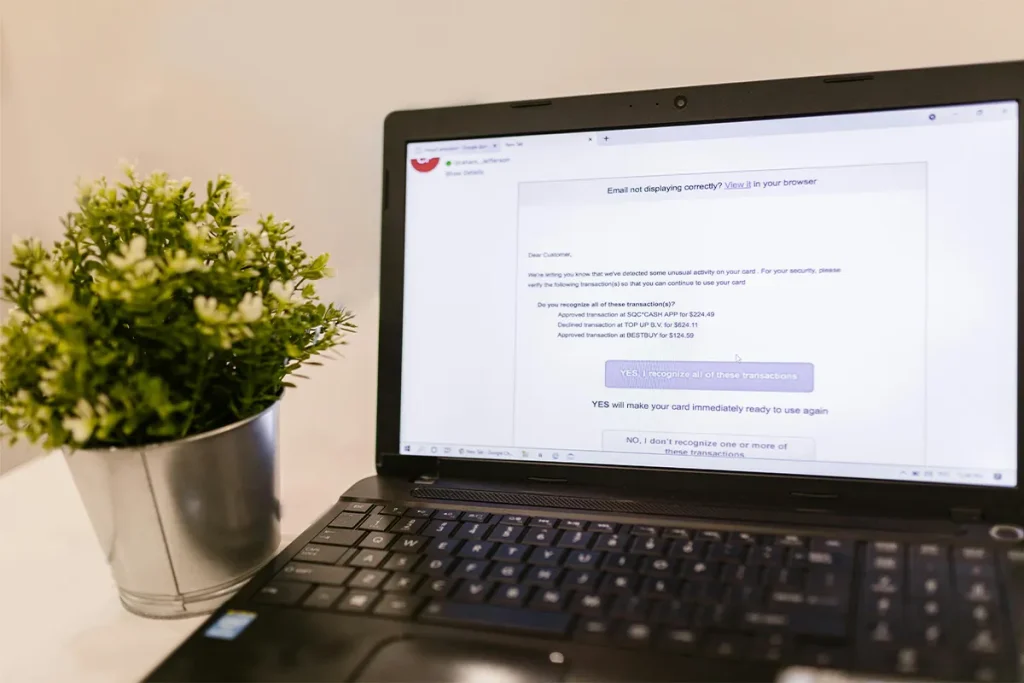
There is one failure mode that bites. Sometimes the AI quietly archives something you needed. The fix is small. Once a week, scroll through your “Promotions” or “Other” folder and rescue anything filed by mistake. That weekly five minutes is the safety net for any automated inbox sorting tool. Skip it, and you will eventually miss an invoice.
Stage Two: Summarizing (Useful, But Always Verify)
Summaries feel like magic the first time you use them. A twenty-reply thread becomes one short paragraph in seconds, much like how an AI meeting summarizer condenses long discussions into key points. Perfect after a holiday. Great for handovers, and useful for a forwarded chain you never asked to be on.
The tools are solid. Gemini summary cards now sit at the top of long Gmail threads. Copilot does the same job inside Outlook. Shortwave and MailMaestro produce clean summaries and rank your unread mail by what looks important.
Here is the catch. Summaries leave things out. A new price. Maybe a changed date. Sometimes, a small condition is tucked into the last reply. Yet the summary still reads with confidence, so you trust it and move on. Fixing this takes two minutes. Read the summary first, then skim the original for numbers, names, and dates before you act on anything. That habit turns a long email thread summarizer from a risky shortcut into a real tool.
Stage Three: Replying (The Stage That Quietly Breaks)
Replying is the hard one. A good reply needs three things at once: the right tone, the right facts, and the right warmth for the person on the other end. AI gets the first one most of the time. The other two are missed more often than vendors admit. Worse, you may not notice for weeks. Your reply rate just drops.
- Tone mismatch: AI drafts read polite but cold. That is fine for strangers. It is wrong for a client you have known for three years.
- Wrong facts added: The model invents a price, a date, or a feature that was never in the thread. The reader believes it.
- Spam folder placement: AI text has patterns. AI email spam filters now detect these patterns before your message ever reaches the inbox. Your reply lands in junk, and you never hear back.
- Generic openings and closings: “I hope this email finds you well.” Every regular contact knows you did not write that.
- Missing context from outside the thread: The AI cannot see your last meeting or your CRM. It reads as if the email is the whole story.
- Broken links or wrong attachments: Drafts pull in old links from earlier replies. Your reader clicks through to the wrong page.
- Same draft for very different people: Two clients, one template. They notice.
A few tools handle this better than the rest. Superhuman, Shortwave Ghostwriter, and Fyxer learn your voice from past mail, so the drafts sound closer to you. Pasting a thread into ChatGPT does not. For the spam side of all this, our guide on why AI-written emails land in spam covers the full picture. Before you send any AI-generated email reply, take ten seconds. Check the facts, the tone, and the links.
Building Your Own Email Workflow
Your stack should match your volume and your stakes. There is no single winner. A few setups cover most people, and the goal is to match the tools to your real inbox, not to copy something built for a sales rep at a different company, or a multi-agent AI platform for enterprise designed for large-scale workflows. Small inboxes do not need much, while team inboxes cannot survive without help.
- Light stack for personal use: Native Gmail or Outlook sorting plus Gemini or Copilot summaries. Nothing more.
- Medium stack for busy professionals: SaneBox sorts. Shortwave summarizes. A simple draft tool helps with replies, and you still read everyone.
- Heavy stack for teams and power users: Superhuman or Fyxer runs the full pipeline, and a human still reads every reply before it goes.
- Order of automation: Sort first. Summarize the second. Touch reply drafting only after the first two have run clean for two weeks.
- Volume threshold to upgrade: Move to medium past fifty emails a day. Beyond one hundred and fifty, move to heavy.
- Review step at every level: No tool is safe to run alone today. Keep a human in the loop on every send.
A real email productivity workflow guide keeps the review step in place, no matter how good the tool gets. Build the stack one layer at a time and test each layer. If a tool causes more checks than it saves, drop it. The right setup feels lighter every week, not heavier.

Where the Pipeline Breaks
Each stage has one weak spot. Knowing them saves you a lot of trouble. In sorting, the danger is silent false negatives. Important mail vanishes into the archive. A monthly five-minute check catches most of it.
For summaries, the risk is a confident omission. The summary reads clean, but the one line that mattered is gone. Skim the original any time the email touches money, dates, or agreements.
In replying, the risks are three. Deliverability drops. Tone misfires with close contacts. False facts get added that the sender will not catch. A short pre-send checklist solves most of this and keeps your safe AI email automation setup running. Once a month, audit a few sent replies for these failure modes. Ten minutes is enough. That habit is what turns a working stack into a reliable daily inbox management routine.
How Much Should You Trust AI at Each Stage?
| Stage | Trust Level | What AI Gets Right | What It Still Gets Wrong | Your Job |
|---|---|---|---|---|
| Sort | High | Filing newsletters, alerts, and low-priority mail | Sometimes hides important mail in the Promotions folder | 5-minute weekly folder check |
| Summarize | Medium | Condensing long threads into one paragraph | Skips key numbers, dates, or last-minute conditions | Skim the original for numbers and dates |
| Reply (draft) | Low | Matching basic tone and structure | Wrong facts, generic openings, weak personalization | Check facts, tone, and links before sending |
| Reply (auto-send) | None | Nothing safe yet | Tone misfires, factual errors, broken links | Do not auto-send to real contacts |
| Deliverability | High with a check | Pushing high volumes of mail quickly | Cannot tell you if the mail landed | Run a placement check before sending |
| SpamRescue | High | Confirms inbox placement, flags AI-pattern triggers | Does not write or sort the mail for you | Use it as the last step before sending |
| Audit | High | Surfacing patterns in your sent mail | Cannot judge relationship damage | Run a 10-minute monthly review |
A Tool Worth Adding to the Pipeline
A complete setup is not just about tools that draft, sort, or summarize. You also need a tool that protects the pipeline itself. The most common failure point is deliverability. That is where SpamRescue fits in. It keeps your messages out of the spam folder and in front of real readers. Without it, even the cleanest stack quietly fails at the last step.
- Deliverability check at the reply stage: SpamRescue tells you if your AI-generated reply actually reached the inbox or quietly hit junk.
- Pattern review for AI-written drafts: It flags the patterns spam filters now catch in AI text, so you can fix the draft before it goes.
- Support for the full sort, summarize, reply flow: It sits at the end of the pipeline, after the AI has done its work, as a final gate before send.
- Useful for both personal and team inboxes: Fifty emails a day or a shared inbox with hundreds. The same checks apply.
- Pairs well with native AI features: Works alongside Gmail and Outlook AI, not against them. You keep the speed and add the safety.
- Reduces the need for guesswork: No more wondering why a client never replied. You get a clear answer.
Most users skip the deliverability layer. That same layer also quietly costs them the most replies. The sort and summary gains feel great until you realize the final reply never landed. SpamRescue closes that last gap. Think of it as the safety net for everything the rest of the stack produces, not as another assistant.
Conclusion
AI is ready to sort your inbox. Summarizing it is something AI is almost ready to do. Speaking for you is not yet in reach. Build your system in that order. Audit it every month. Keep a human at the reply stage. The right smart email assistant for professionals saves you time without taking risks you never agreed to. Start small. Watch the results. Add the next layer only when the last one earns it.
The biggest mistake people make with AI email tools is turning everything on at once. They install three apps in a weekend, automate replies on Monday, and by Friday, they have lost track of what each tool is doing. Pick one stage. A systematic review of machine learning approaches to email spam filtering shows that modern email classification systems rely on pattern recognition and statistical learning to distinguish between legitimate and unwanted messages. Run it for two weeks. See where it helps and where it breaks. Only then add the next piece. A pipeline you trust beats a pipeline you fear, every single time.
FAQ: AI for Email Management
Q1. What is AI for email management?
The use of AI to sort, summarize, and reply to emails faster. It works inside Gmail, Outlook, and most other clients.
Q2. Is AI email management safe?
Yes, if you give the AI more freedom at the easy stages and less at the risky ones. Sorting is safe. Summarizing needs a quick check. Replying needs a human.
Q3. Which is better, built-in tools or third-party apps?
Built-in tools like Gemini and Copilot are enough for light users. Third-party apps earn their cost when your volume is high and your deadlines are tight.
Q4. Can AI reply to emails on its own?
It can. In most cases, it should not. A human review before sending is still the safest call.
Q5. Does AI-written email hurt deliverability?
Sometimes, yes. Spam filters now spot AI patterns. Our guide on AI-written emails landing in spam shows you how to fix it.

Haroon writes about email spam and inbox management. He covers how real client emails end up in spam folders and what you can do to make sure nothing important gets missed.