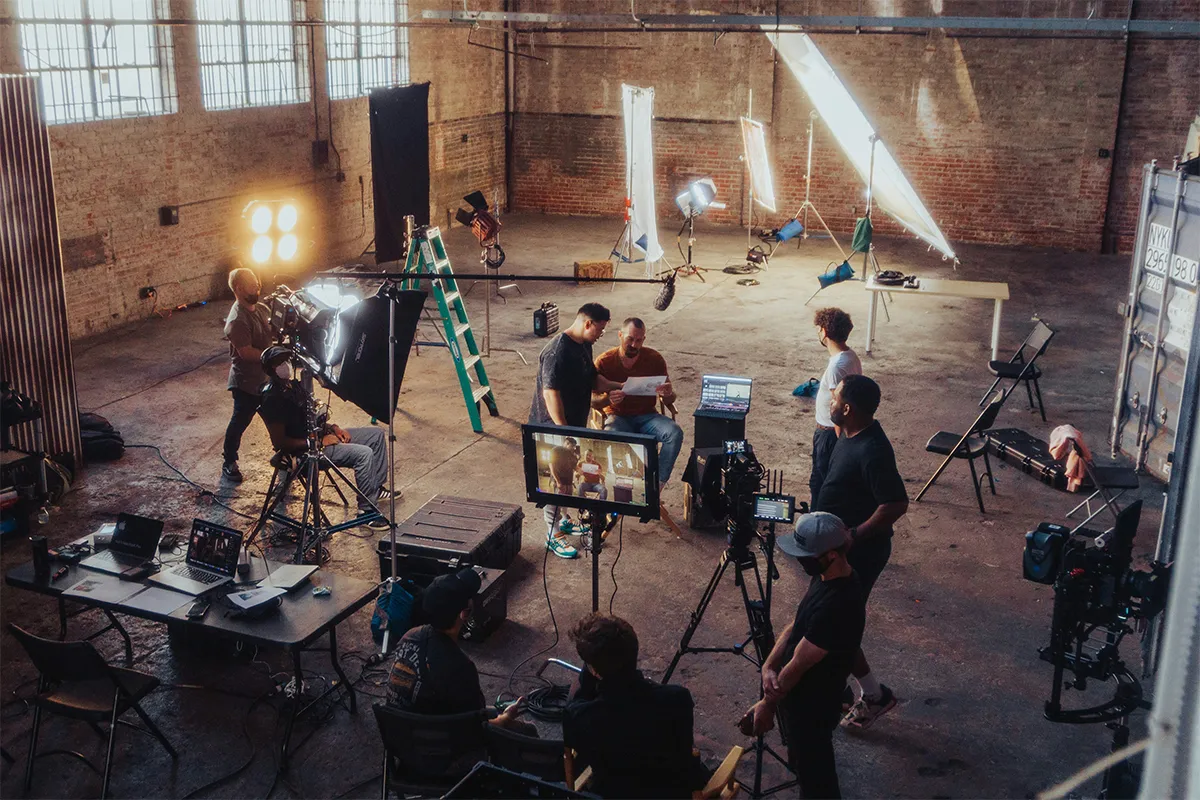
Making a good and highly professional cinematic video is not that easy. It needs a complete crew, high-end cameras, expensive equipment, and most importantly, experience. Combining all these factors, it becomes an uphill task to make a single shot. But don’t worry, now we have AI tools. The Higgsfield AI company review will make you learn how to make such professional cinematic videos with just one single prompt. This AI video-making platform works like magic because of its wide compatibility and unlimited features.
The video editing experts are always looking for good tools that polish their AI skills, save their time, and streamline their workflow with the advancement happening every other day. Believe it or not, Higgfield AI is one such tool. Now you do not have to switch between the key AI video tools. It offers 15+ AI modes all in one place, like Google Veo 3, Sora 3 and Kling 5.0 and many other mainstream tools under one subscription. Let’s take a look at how Higgsfield is different and what new options will be available soon.
What Is Higgsfield AI?
Higgsfield AI is a website where you can make videos using artificial intelligence. No video-making experience is needed. Just type what you want to see in the video. Reading your words, the AI then creates the video for you. It is that simple.
A man named Alex Mashrabov started this company in 2023. Before this, he worked at a big app company called Snap. Another AI company he built earlier was bought by Snap for $166 million. This tells you that the person who made Higgsfield AI has a lot of experience with AI technology.
Higgsfield AI is built for people who make videos for social media, people who work in marketing, and people who work at companies that need videos for their business. The tool gives you more than 15 different AI video models to choose from. Think of each model like a different camera with a different style. You pick the one that fits your video best. This makes Higgsfield AI one of the most flexible AI video creation platforms for content creators available right now.
Key Features of Higgsfield AI
Higgsfield AI has many tools inside it. Each tool helps you make a specific type of video or do a specific task. Here are the most important ones.
1. Cinema Studio: The main place where you make your videos. It gives you 1,296 different camera styles to choose from. Brightness, darkness, and many other visual details can also be adjusted here. Most other AI video tools do not let you do this. Just a video is what they give you, and you accept what you get. Cinema Studio gives you real control.
2. Soul ID: A tool that helps you keep the same face and look in all your videos. Imagine you have a character you use in all your content. Without Soul ID, that character might look slightly different in every video. Keeping the character looking the same every time is exactly what this tool does.
3. Lipsync Studio: A tool that makes a character move their mouth to match your audio. Record or upload someone speaking, and the tool then makes the character’s mouth move in time with those words. Making videos in different languages or having a character speak without recording a real video is where this tool is very useful.
4. Higgsfield DOP: The main cinematic AI video generation tool on the platform. Write a description of what you want, like “a woman walking in a rainy city at night.” The tool reads that and creates a short video that looks like something from a movie.
5. Soul UGC Builder: A tool that helps you plan a video with more than one scene. For example, if your video needs five different shots, this tool helps you organize and create all of them together.
Also included are more than 50 ready-made video styles and templates. These are pre-built options that you can use quickly. If you need a video fast, these save you a lot of time.
Who Is Higgsfield AI Built For?
Higgsfield AI is not for everyone. But it is a great fit for three groups of people.
The first group is social media content creators using AI video tools. These are people who post videos on TikTok, Instagram, or YouTube regularly. Making videos by hand takes a lot of time. Higgsfield AI helps these people make good videos much faster.
People who work in marketing make up the second group. Their job is to promote a product or a business using videos. With Higgsfield AI, they can quickly try different video ideas and make many versions of the same ad without needing to film anything. This is especially useful when running campaigns where client leads need to be reached through multiple video formats at once.
Filmmakers and directors make up the third group. These are people who want their AI videos to look like real movies. Real creative control over camera movement and style is exactly what the AI filmmaking software with camera control inside Cinema Studio gives them.
Belonging to any of these groups makes Higgsfield AI very likely a good tool for you.
Pricing Plans in 2026
Higgsfield AI charges you a monthly fee to use it. But it also uses something called credits. Credits are like tokens. You spend them every time you make a video. Different video styles cost different amounts of credits. You need to understand both the monthly fee and the credits before you sign up.
Here are the Higgsfield AI pricing plans for video creators in 2026:
- Starter: $15 per month
- Plus: $34 per month
- Ultra: $84 per month
- Business: $49 per person per month
Each plan gives you a certain number of credits per month. For example, one popular video style called Kling 3.0 costs about 6 credits per video. Another style called Sora 2 costs between 40 and 70 credits per video. Looking better is the reason Sora 2 costs more credits. On the Plus plan, you get 1,000 credits. That is enough to make around 33 to 56 good videos per month using Kling 3.0, if you count the extra tries most videos need before they look right.
One important thing to know: credits expire after 90 days. Unused credits disappear after that. Getting them back is not possible. So think about how many videos you want to make before you choose a plan.
Growth, Funding, and Company Credibility
A platform is only as reliable as the company behind it. Higgsfield AI has grown very fast since it launched in 2023, and the numbers show that clearly. Its user count, its revenue, and the investors behind it all point to a company that is here to stay. This is not a small startup that might shut down next year.
- User base: More than 20 million people use Higgsfield AI. Together, they make around 5 million videos every single day. Those videos have been watched more than 3 billion times on social media.
- Funding: In January 2026, a group of investors gave Higgsfield AI $80 million. In total, the company has received $138 million from investors. This money helps the company grow and build better features.
- Investors: The people who gave this money include groups called Menlo Ventures, GFT Ventures, and BroadLight Capital. These are experienced investors who have supported many successful tech companies before.
- Revenue growth: In its first nine months, Higgsfield AI earned $200 million. By February 2026, that number had grown to $300 million per year, according to a research company called Sacra.
These numbers make Higgsfield AI one of the fastest-growing AI video startups with Series A funding in the world right now. For you as a buyer, this matters because a company that is growing this fast will keep improving its product. Signing up for something that stops working or gets abandoned is far less likely with a platform like this.
Higgsfield AI Compared to Its Competitors
There are other AI video tools out there. This Higgsfield AI company review would not be complete without comparing it to a few of them.
Runway is a well-known AI video tool. It is good for editing videos you already have. Higgsfield AI is better when you want to create a new video from scratch using just a text description or a photo.
Luma AI is good at making videos that look like 3D spaces. If you want to show a product or a building from different angles, Luma AI does that well. But it does not give you the camera control options or the number of AI models that Higgsfield AI offers.
Synthesia is a tool that puts a person on screen reading a script. It works well for training videos or videos where someone explains something directly to the camera. But if you want creative, movie-style videos for social media, Higgsfield AI is the stronger choice.
Among Higgsfield AI alternatives for social media video, Higgsfield AI is the only tool that gives you many AI models, real camera controls, and creator tools all together in one place. Other tools do one or two of these things well. Higgsfield AI does all three.
Real Limitations to Consider
Every tool has problems, and Higgsfield AI is no different. Some of these issues are small. Others might matter a lot to you depending on what you need. Read this before you decide.
- Motion inconsistency: Sometimes the movement in a video does not look natural. This happens most often in videos with fast action or complex scenes. Slow and simple videos usually look much better.
- Confusing credit system: Some users have signed up for a yearly payment plan without meaning to. This happened because the yearly option was already selected by default on the payment page. Always check which option is selected before you pay.
- Refund issues: Some users who asked for their money back did not receive it. Others received no reply at all. This has been reported on a review website called Trustpilot. Keep this in mind before you pay for a big plan.
- Not built for online store ads: If you sell products in an online store and need video ads for Facebook or TikTok, Higgsfield AI is probably not the right tool. It was not designed for that type of advertising. If this is what you need, look at other AI tools for eCommerce video advertising instead.
These problems will not affect every user. If you plan your videos before you start, check the payment page carefully, and understand what the tool is built for, most of these issues will not be a problem for you.
Higgsfield AI Company Review at a Glance
| Feature | Details |
|---|---|
| Founded | 2023, by Alex Mashrabov (ex-Snap AI Head) |
| Best For | Social media creators, marketers, agencies, and filmmakers |
| Core Tools | Cinema Studio, Soul ID, Lipsync Studio, Higgsfield DOP, and Soul UGC Builder |
| AI Models Included | 15+ models including Sora 2, Veo 3.1, and Kling 3.0 |
| Camera Styles | 1,296 options inside Cinema Studio |
| Starter Price | $15 per month |
| Full Price Range | $15–$84 per month (Business: $49 per seat) |
| Credit Expiry | 90 days, no rollover |
| Total Users | 20+ million |
| Videos Per Day | ~5 million |
| Total Funding | $138 million |
| Valuation | $1.3 billion (January 2026) |
| Annual Revenue | ~$300 million ARR (February 2026) |
| Top Competitors | Runway, Luma AI, Synthesia, and Kling |
| Not Ideal For | eCommerce ads, simple avatar videos, and tight budgets |
| Refund Policy | 7-day window (mixed user experiences reported) |
| Credit Expiry Warning | Credits are lost after 90 days if unused |
Conclusion: Is Higgsfield AI Worth It in 2026?
If you make videos for social media, work in marketing, or want to create movie-style videos using AI, then yes, Higgsfield AI is worth it. It gives you more tools, more AI models, and more creative control than most other platforms at a similar price. For these users, it is one of the best AI-powered video production tools for marketers available right now.
But if you mainly need simple videos, product ads, or basic talking-head content on a small budget, other tools will work better for you.
If you are curious about using AI for cinematic content creation in 2026, try the Starter plan at $15 first. Use it on a real project. See if you like it. If you do, you can move to a bigger plan later. If you do not, you only spent $15 to find out.
